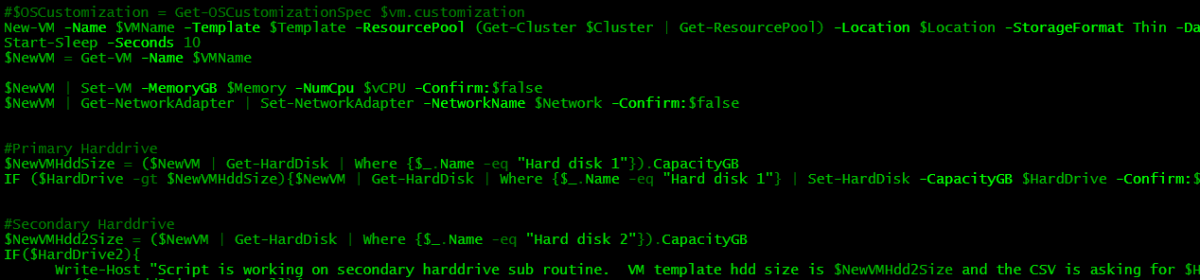
In my environment at work we have a policy that we thin provision all new VMs. We had an issue with a datastore that was running out of space, so I starting looking into it and found that several of the VMs on this datastore were set with thick provisioning on the hard drives.
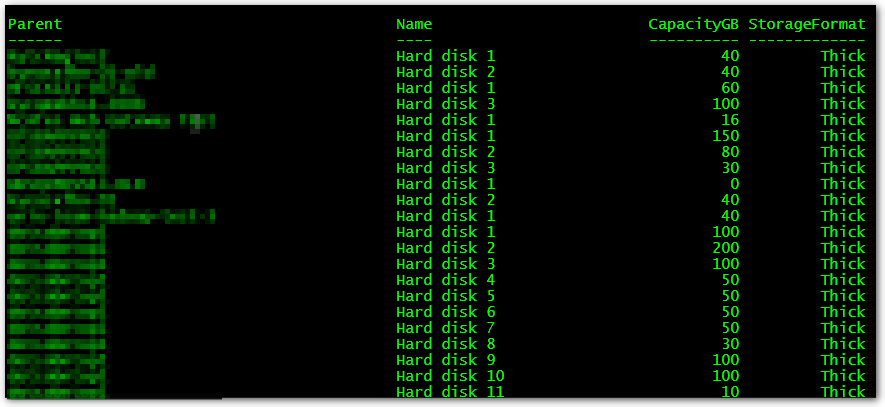
Get-Datastore | Get-VM | Get-HardDisk | Where {$_.storageformat -eq "Thick" } | Select Parent, Name, CapacityGB, storageformat | FT -AutoSize
This outputs a list of VMs with the storageformat that is set to thick. This enables us to use this list to be able to get a maintenance window to fix these systems.
The biggest problem with this route is having to keep a close eye on the free space on the datastores, as you can easily fill one up without thinking.
-Stuart
Why on earth would your company have a policy like this?! The implications of filling a datastore can be disastrous.
If you want to use guest un-map in vSphere 6.5 the disks have to be thin. It’s a best practice in Pure Storage vSphere 6.5 documentation.
Thanks for this usefull one liner.
Note that storageformat property name is now “EagerZeroedThick” :
{$_.storageformat -eq “EagerZeroedThick” }
Or
{$PSItem.storageformat -notlike “Thin”}
I used this script, thanks!
Selin,
I glad that I was able to help.
-Stuart
Gold, thank yiu